
Planning storage capacity for your security camera system prevents costly surprises and ensures continuous recording. Understanding the factors that affect storage requirements helps you choose the right hard drives and configure your system optimally.
Understanding Storage Fundamentals
Security camera footage consumes storage based on several key factors: resolution, frame rate, compression format, and recording duration. Higher resolution cameras capture more detail but create larger files. More frames per second produce smoother video but require additional storage. Compression reduces file sizes but affects quality.
Modern surveillance systems use two main recording modes. Continuous recording captures everything 24/7, providing complete coverage but consuming maximum storage. Motion-activated recording only saves footage when the camera detects movement, significantly reducing storage needs but potentially missing important events.
The Storage Calculation Formula
Calculate daily storage requirements using this formula: bitrate multiplied by seconds per day, divided by compression efficiency. For a camera streaming at 4 megabits per second with H.265 compression, daily consumption equals approximately 21 gigabytes for continuous recording.
Multiply single-camera consumption by your total camera count for system-wide daily requirements. A four-camera system at this quality level consumes roughly 84 gigabytes daily. For 30 days retention, you need about 2.5 terabytes of available storage.
These calculations assume constant bitrate encoding. Variable bitrate encoding adjusts quality based on scene complexity, potentially reducing storage needs by 30 to 50 percent during quiet periods. However, plan for worst-case scenarios during busy times.
Resolution and Bitrate Considerations
Camera resolution directly impacts storage requirements. A 1080p camera typically streams between 2 and 4 megabits per second, while 4K cameras require 8 to 16 megabits for comparable quality. Doubling resolution approximately quadruples storage needs.
Frame rate also affects bitrate requirements. Standard security systems use 15 to 30 frames per second. Reducing frame rates to 10 or 15 FPS saves storage while remaining adequate for most surveillance purposes. Very low frame rates might miss fast-moving events.
Compression technology significantly impacts efficiency. H.264, the older standard, provides good compression but requires more storage. H.265 roughly doubles efficiency, halving storage needs for equivalent quality. Ensure your NVR supports your cameras' compression formats.
Retention Period Planning
Determine how long you must retain footage based on your security needs and legal requirements. Home systems might only need 7 to 14 days of retention. Businesses often require 30 days or longer depending on industry regulations and insurance requirements.
Calculate total storage by multiplying daily consumption by retention days. Add 10 to 20 percent overhead for system files, metadata, and unexpected usage spikes. This gives you the minimum raw capacity your system requires.
Consider archiving strategies for long-term retention. Critical events can be saved to separate storage while routine footage cycles normally. This approach balances immediate access needs with historical preservation requirements.
Choosing Surveillance-Grade Hard Drives
Not all hard drives suit surveillance applications. Standard desktop drives fail prematurely under the constant write loads of 24/7 recording. Surveillance-grade drives feature enhanced reliability, error recovery controls, and firmware optimized for video streaming.
Western Digital Purple and Seagate Skyhawk drives dominate the surveillance market. Both offer models specifically designed for NVR applications with features like vibration resistance for multi-drive enclosures and workload ratings supporting hundreds of terabytes written annually.
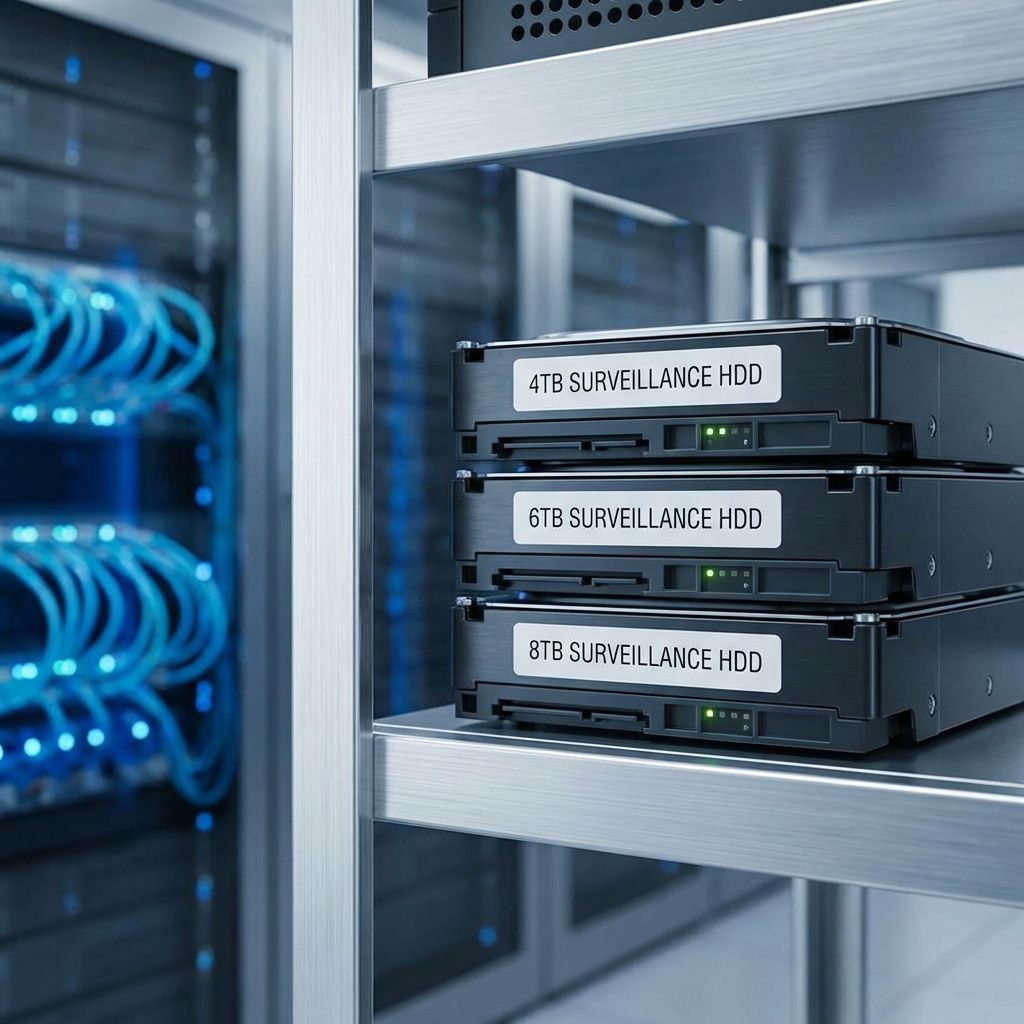
Drive size selection balances cost against capacity needs. Four-terabyte drives offer good value for smaller systems. Eight and ten-terabyte drives reduce physical drive counts in large installations but cost more per terabyte. Consider your NVR's drive bay limitations when planning.
RAID and Redundancy Considerations
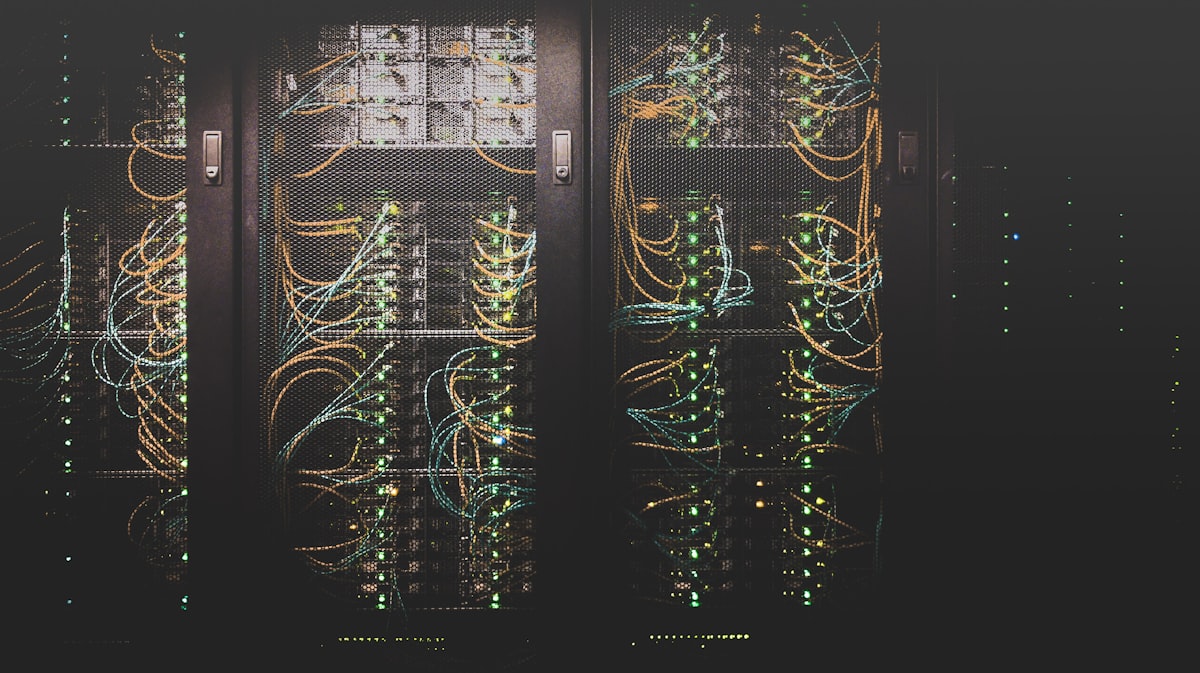
RAID configurations protect against data loss from drive failures. RAID 1 mirrors data across two drives, providing redundancy but using 50 percent of total capacity. RAID 5 and 6 distribute data across multiple drives with parity protection, offering better capacity efficiency with continued operation if one drive fails.
The trade-off involves write performance and rebuild times. RAID 5 and 6 require significant processing overhead for parity calculations. Rebuilding large drives after failures can take days, during which the array remains vulnerable to additional drive failures.
For most security systems, RAID 1 for critical cameras or RAID 5 for general coverage provides appropriate protection. Balance redundancy benefits against capacity loss and cost increases when designing your storage architecture.
Optimizing Storage Usage
Configure your NVR to maximize storage efficiency. Motion detection recording dramatically reduces storage needs for low-traffic areas. Scheduled recording stops non-essential cameras during low-risk hours. Lower resolution or frame rate settings for less critical cameras further extend capacity.
Region-based motion detection ignores irrelevant movement like tree branches while capturing important activity. Privacy masking blacks out sensitive areas, reducing encoding complexity and storage needs while respecting privacy.
Regular maintenance preserves storage performance. Monitor drive health through SMART data and replace drives showing warning signs. Defragment storage periodically if your NVR supports it. Keep firmware updated for optimal compression efficiency.
Real-World Storage Examples
A typical home installation with four 1080p cameras recording continuously at 15 FPS with H.265 compression requires approximately 1.5 terabytes for 30 days retention. Upgrading to 4K cameras quadruples this requirement to about 6 terabytes.
Commercial installations vary widely. A retail store with eight 4K cameras might need 12 terabytes for 30-day retention. An industrial facility with 32 cameras across multiple buildings could require 50 terabytes or more with centralized storage.
These examples assume continuous recording. Motion-activated recording typically reduces storage by 60 to 80 percent for most applications, though high-traffic areas see smaller savings.
Conclusion
Proper storage calculation ensures your security system operates reliably without interruption. Consider resolution, frame rate, compression, and retention requirements when planning capacity. Invest in surveillance-grade drives and appropriate RAID configurations for data protection.
Taking time to calculate your needs accurately prevents the frustration of full drives and lost footage.\n\nTo complete your security system planning, review our guide on choosing the right PoE security camera system to ensure your cameras meet your monitoring requirements. With proper planning, your surveillance system will maintain continuous recording throughout its operational life.
To complete your security system planning, review our guide on choosing the right PoE security camera system to ensure your cameras meet your monitoring requirements.