
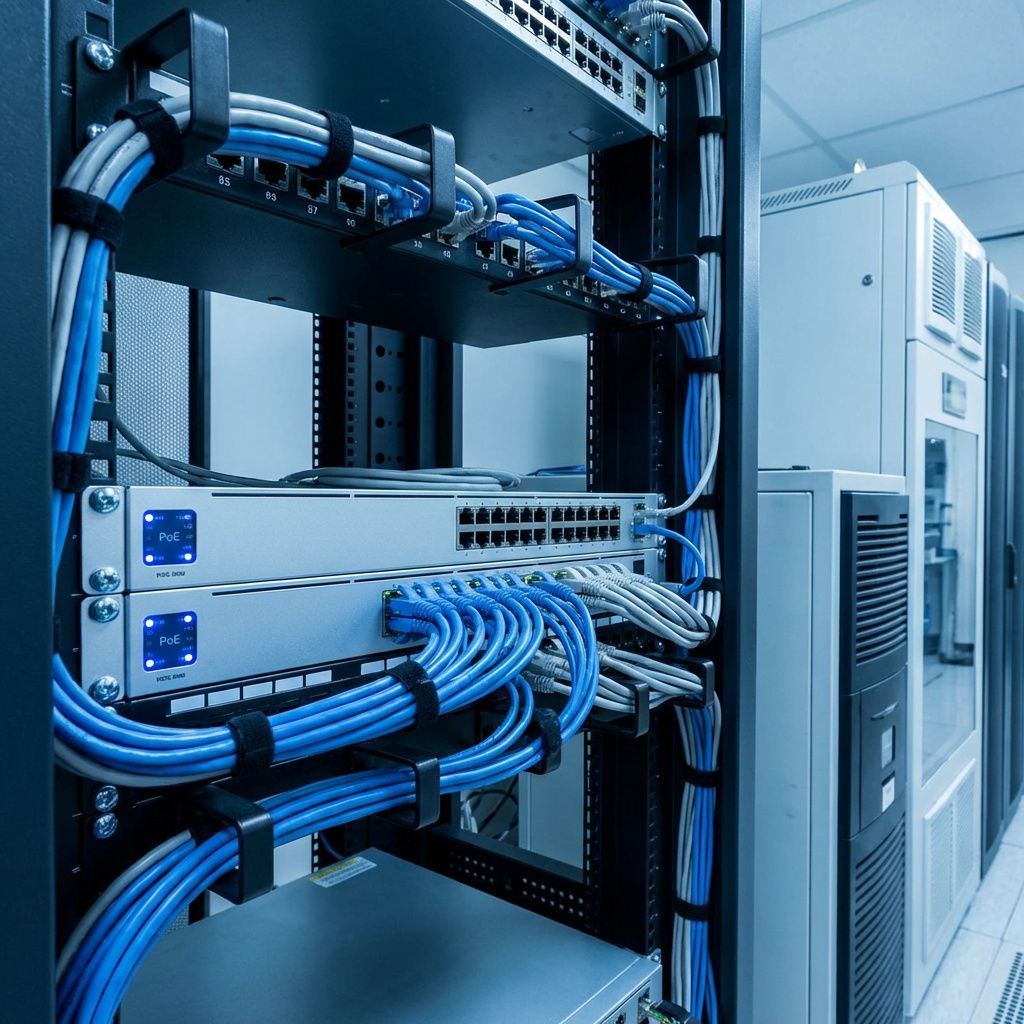
Power over Ethernet technology has revolutionized security camera installation by delivering both data and power through a single cable. However, successfully deploying a PoE camera system requires understanding power budgets and how to calculate your infrastructure needs.
What is a PoE Power Budget?
A PoE power budget represents the total amount of power a switch can deliver to connected devices through its Ethernet ports. Every PoE switch has a maximum power output measured in watts, which must be shared among all connected PoE devices. Exceeding this budget causes devices to lose power or fail to function properly.
Think of the power budget like a pie that gets divided among all connected cameras. If your switch provides 120 watts total and you connect six cameras that each need 15 watts, you have exactly enough power. Add a seventh camera, and someone goes hungry.
Understanding PoE Standards
Different PoE standards provide varying power levels. PoE (IEEE 802.3af) delivers up to 15.4 watts per port, suitable for basic IP cameras with minimal features. PoE+ (IEEE 802.3at) increases this to 30 watts per port, supporting cameras with heaters, blowers, and PTZ motors. The newer PoE++ (IEEE 802.3bt) standard provides 60 or 90 watts for high-power devices like thermal cameras.
Your camera specifications will indicate which standard they require. Always check both the power requirement and the PoE class to ensure compatibility with your switch.
Calculating Your Power Requirements
Start by listing every PoE device you plan to connect. For each camera, note the maximum power consumption, usually found in the technical specifications. Remember that cameras consume more power at night when infrared LEDs activate, or when heaters operate in cold weather.
Add up all the power requirements to get your total load. Then add a 20% safety margin to account for cable losses, temperature effects, and future expansion. This final number represents the minimum power budget your switch should provide.
For example, if you have eight cameras each consuming 7 watts daytime and 12 watts nighttime, use the higher figure. Eight times 12 equals 96 watts. Adding 20% gives you 115 watts minimum. A 120-watt switch would work, but a 150-watt or 200-watt switch provides room to grow.
Per-Port vs. Total Budget
PoE switches specify both per-port maximums and total power budgets. A switch might support 30 watts per port but only provide 120 watts total. This means you could power four 30-watt cameras, or eight 15-watt cameras, but not six 30-watt cameras.
Understanding both limitations prevents costly mistakes. Always verify that your deployment stays within both the per-port limit for your highest-consuming device and the total budget for all devices combined.

Cable Length Considerations
Power delivery decreases over long cable runs due to resistance in the copper wires. While Ethernet supports 100-meter runs, power delivery becomes less efficient at maximum distances. For installations with long cable runs, consider using higher-gauge cable or switches with higher per-port power budgets.
Cat6 cable generally provides better power delivery than Cat5e due to thicker conductors. For very long runs or high-power devices, you might need local power injection or midspan injectors positioned closer to the cameras.
Planning for Future Expansion
Smart installers always leave room for growth. Your initial camera deployment might only use 60% of your switch power budget, leaving capacity for additional cameras later. This approach saves money by avoiding switch replacement when expanding your system.
Consider also the data bandwidth requirements. High-resolution cameras generate significant network traffic. Ensure your switch has adequate backplane capacity to handle all camera streams simultaneously without congestion.
Common Mistakes to Avoid
Many installers make the mistake of using daytime power figures for cameras that will operate at night. Always use the maximum power consumption in your calculations. Others forget to account for cable losses, especially in cold climates where camera heaters draw significant power.
Another common error is mixing PoE standards within the same installation without verifying compatibility. While most standards are backward compatible, a PoE+ camera connected to a basic PoE switch will not receive adequate power.
Conclusion
Understanding PoE power budgets ensures your security camera system operates reliably under all conditions.\n\nOnce your network infrastructure is planned, learn about outdoor camera installation best practices to ensure your cameras are positioned and protected properly. Take time to calculate your requirements accurately, choose equipment with adequate capacity, and plan for future expansion. Your attention to these details will result in a robust, trouble-free surveillance system.
Once your network infrastructure is planned, learn about outdoor camera installation best practices to ensure your cameras are positioned and protected properly.